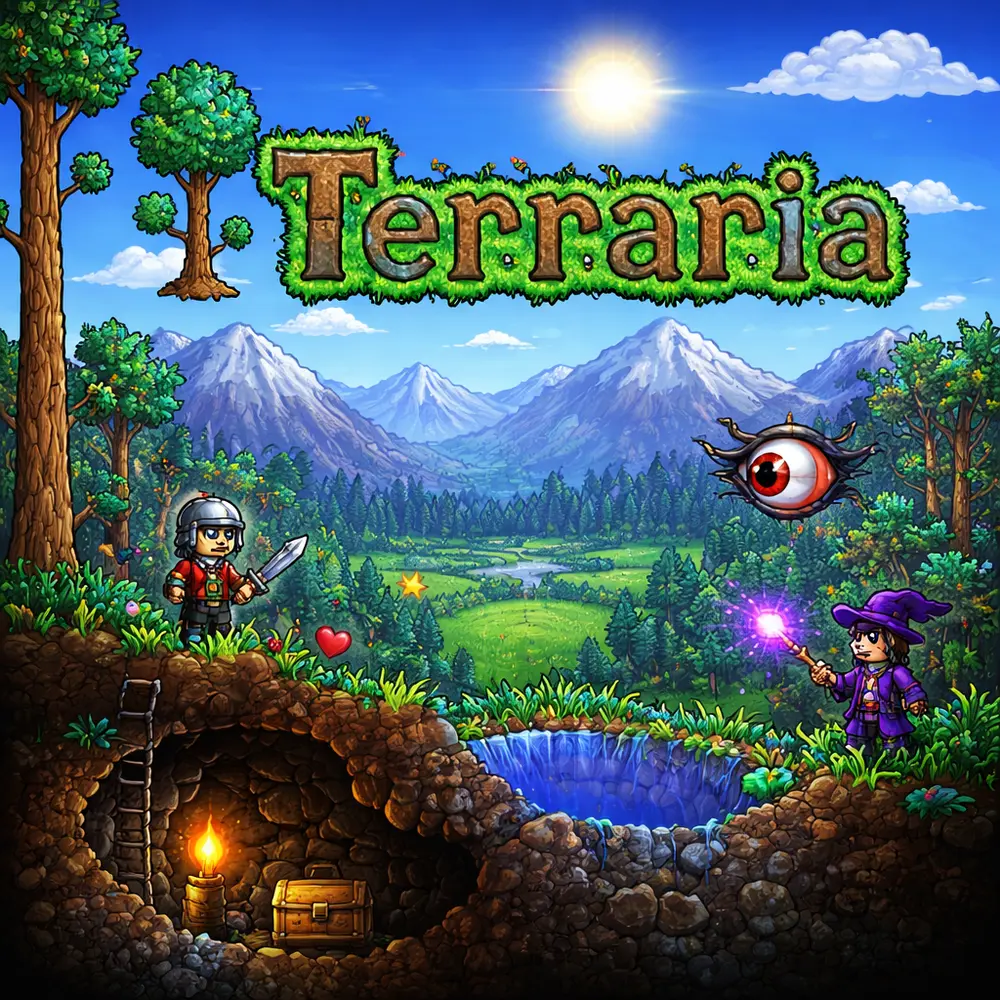
Hosting a Terraria server
Terraria is one of the lightest games to host, and a server can handle a very large player count, up to 255 players. Because the resource needs are so low, the useful differences between hosts are in tooling, not power: how they handle mods, admin plugins and world management.
What to compare
- tModLoader support. If you want mods, you will need a tModLoader server rather than the standard one. Check that the host offers it, and how easily you can add and update mods.
- TShock support. TShock is a popular server framework that adds permissions, regions and admin commands. If you want that control, confirm the host supports it.
- World size and management. You can choose small, medium or large worlds, and a good host lets you upload an existing world, download backups and switch between worlds.
- Version matching. Server and clients need to match the game version. Check the host keeps the server updated quickly, and that it supports the version your mods need.
- Sensible sizing. For a small group, a very modest plan is enough. Larger modded or public servers need more, so compare against your real player count.
- Backups. Worlds represent hours of building, so automatic backups and easy restores matter.
- Location. A nearby datacentre keeps play smooth.
See the current Terraria hosting deals for offers from listed providers. For a whole machine, see dedicated servers.
Terraria server hosting FAQ
How many players can join a Terraria server?
The game supports up to 255 players, though most communities run far fewer.
Do I need tModLoader or TShock?
Only if you want mods (tModLoader) or admin tools and permissions (TShock). A vanilla server needs neither.
Can I upload my existing world?
Most hosts let you upload a world file, though you should check the process for your provider.


 US
US CA
CA UK
UK NL
NL DE
DE AU
AU SG
SG

 FI
FI RU
RU IN
IN FR
FR ES
ES SE
SE JP
JP PL
PL
 BR
BR

 HK
HK